Connect The Real World With The Virtual In a Beautifully Simple Way
Out of Stock
Need more help? Contact Us!
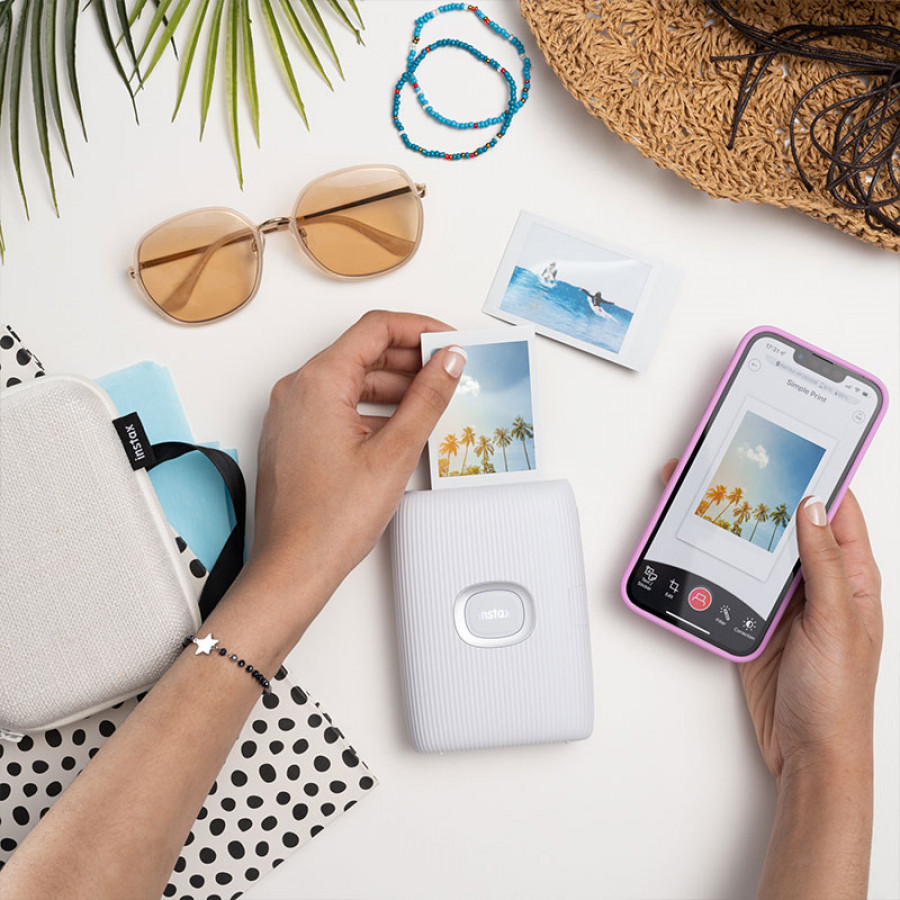
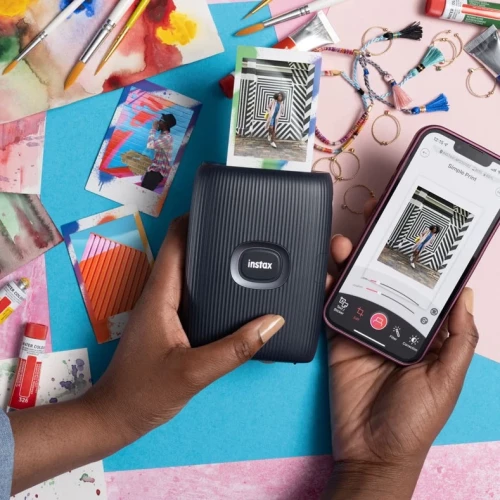
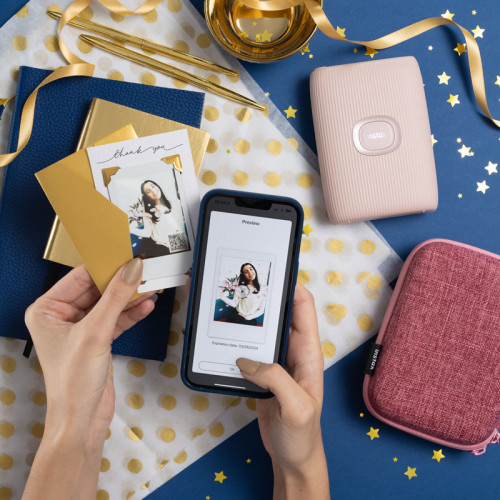
Connect wirelessly your smartphone and mini Link app
AR drawing mode
Match Test features
Hold down the feature button on your mini Link 2 and start swinging those arms around to enter the virtual world of AR drawing mode. If the printer is vibrating it means it's working, so whatever you decide to draw, be it an umbrella, squiggles or even a heart, it'll appear on your image.
Draw with your smartphone
Record a video of yourself drawing a message, all captured as a printable QR code, ready to be scanned with a phone
Add text, resize, apply a filter, play with the contrasts, then connect wirelessly to the mini Link 2 before swiping up to print
Take a picture and then add a fun border to show your frame of mind
Scroll through your favourite videos, select that magical moment, and hit print
Collage Mode
With over 1,200 in-app 'stickers' to add to your photos before printing, you'll find one for every occasion
Grab a pen, do a spot of mark making, capture it in-app with your smartphone and watch as the app cuts your sketch out. It's then over to you to add it to your snaps, edit and print. The perfect tool for creativity

 Apple
Apple
 Google
 Motorola
 OnePlus
 Samsung
 Xiaomi
 Anker
Anker
 Apple
Apple
 Beats
Beats
 Bose
Bose
 Green Lion
 JBL
JBL
 Marshall
 OnePlus
 Others
 Samsung
 SkullCandy
 Sony
Sony
 Xiaomi
 Amazon
 Apple
Apple
 Others
 Samsung
 Xiaomi
 Amazon
 Bose
Bose
 Harman Kardon
 JBL
JBL
 Marshall
 Others